Install additional voice packages in Windows 11, for use with the Web Speech API
In order to add new languages, navigate to Settings > Time & Language > Speech.
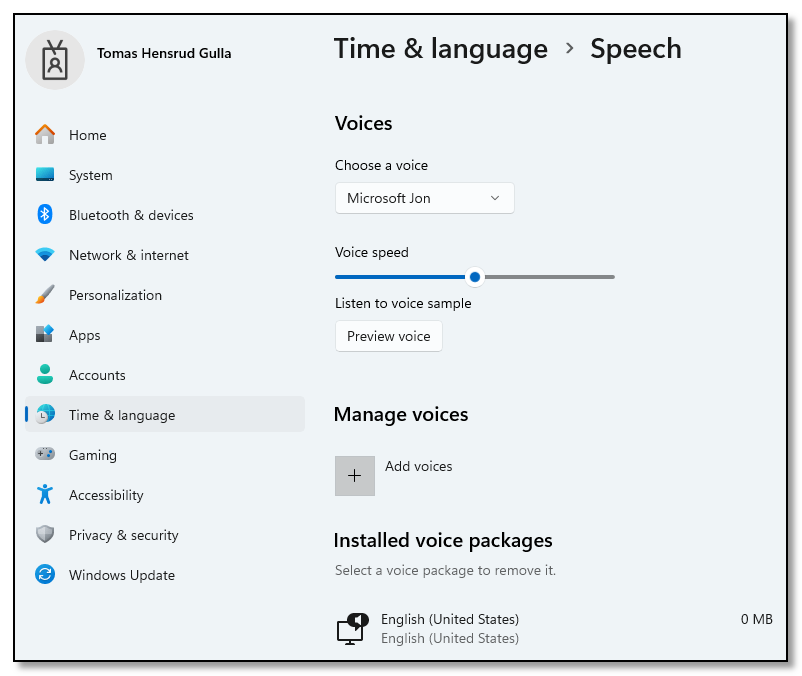
I was not able to install the Norwegian language pack from the UI. The package was listed as 0 MB, and did not install.

The solution was installing the packages using PowerShell (with admin rights). Search for language packages like this:
Get-WindowsCapability -Online | ? Name -like *Speech*And install the Norwegian language pack like this:
Add-WindowsCapability -Online -Name Language.TextToSpeech~~~nb-NO~0.0.1.0The installation took a long time, but at least there was a progress bar:

After the installation had finished, the installed language pack did show up in the UI.
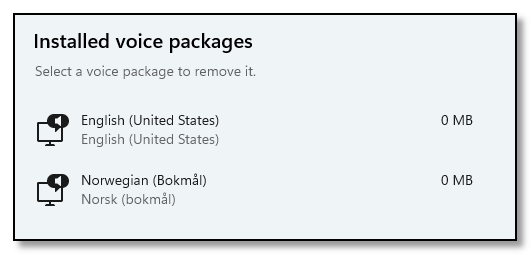
And the Norwegian voice was available for use with Web Speech API in the browser.