New DDS explorer addon for Optimizely CMS
Optimizely CMS uses Dynamic Data Store (DDS) to store various data in tblBigData. Addons may also store data using DDS. Over the years, data may accumulate, as the CMS has no built-in tool to manage the contents of DDS.
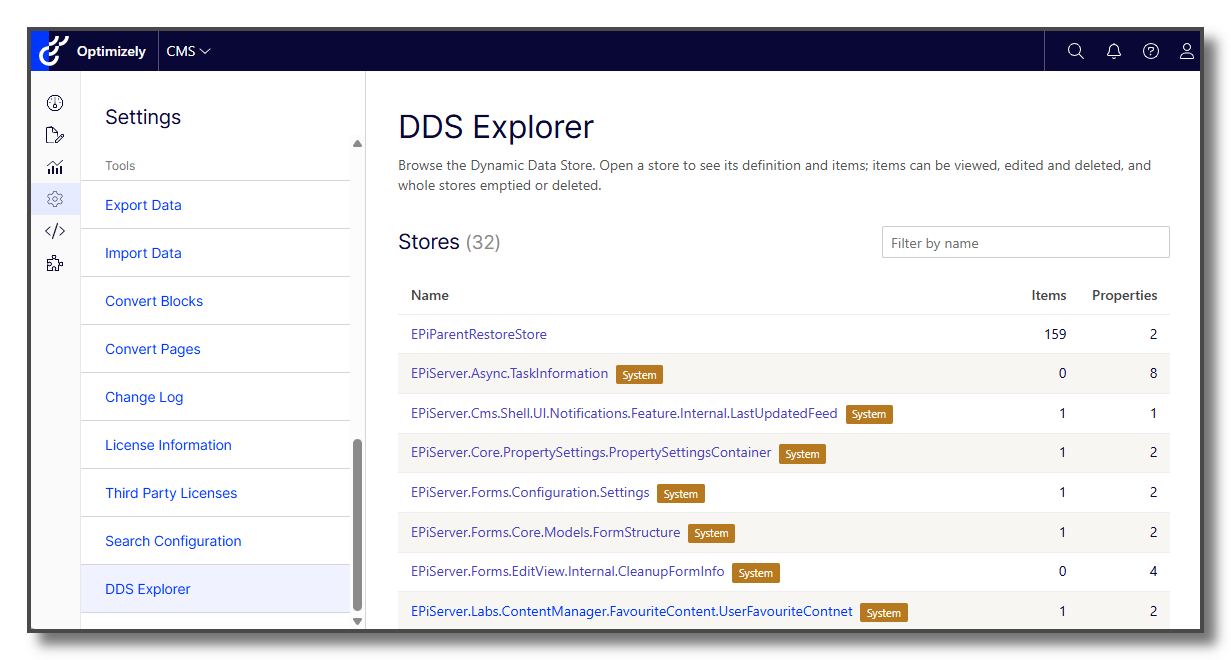
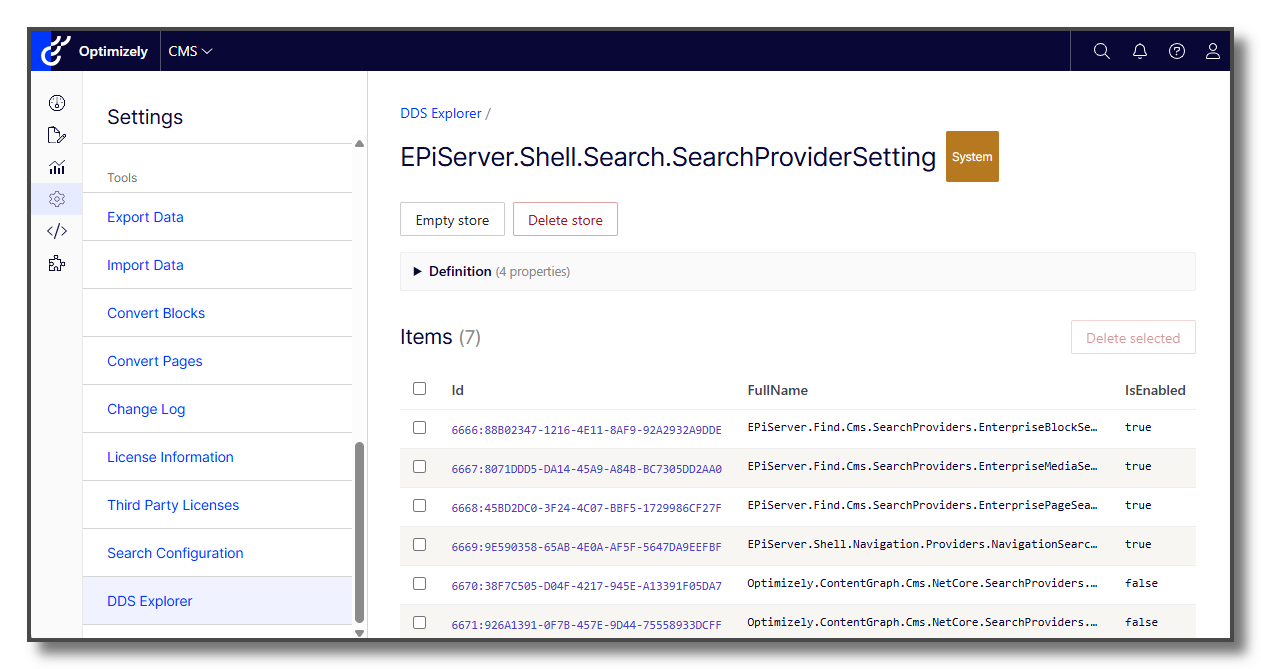
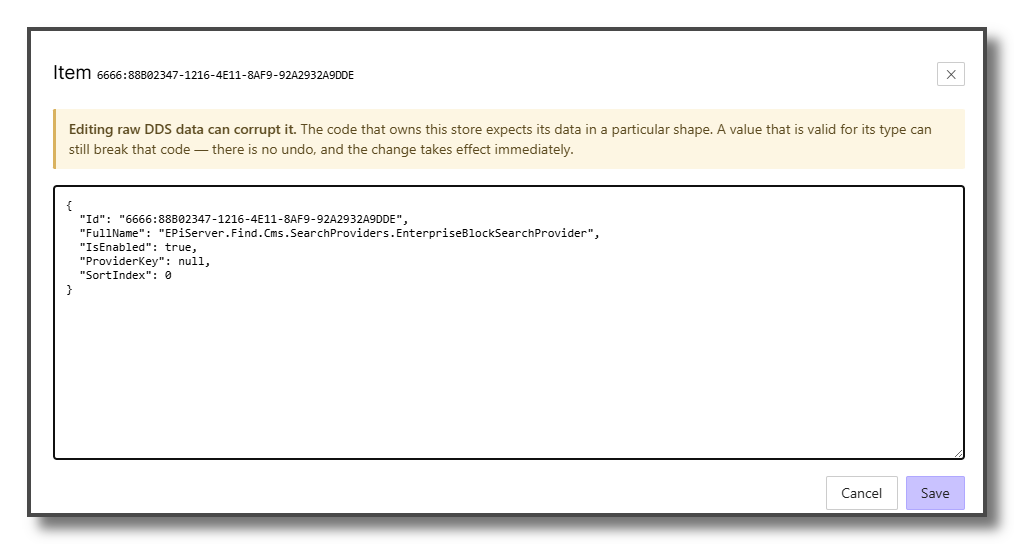
That's why I created the addon Gulla.Optimizely.DdsExplorer. The addon lets you browse DDS stores, see their definitions, view and edit an item as JSON, and delete items, empty stores or delete stores entirely, from the settings area of the CMS.
Screenshots
View the list of stores.
View the contents of single store.
Edit an item.
Installation
dotnet add package Gulla.Optimizely.DdsExplorerIn Program.cs:
builder.Services.AddDdsExplorer();For more details, you can have a look at the documentation on GitHub.