LM Studio opens outside the screen
Sometimes I use my laptop with two external monitors, sometimes only one, and sometimes none. Usually, I have no issues switching between the different monitor setups, until I started using LM Studio!
I open LM Studio, the icon appears on the taskbar, but the window is nowhere to be seen. Using Windows + arrow keys didn’t work either.
The solution? Edit the two JSON files located here:
%USERPROFILE%\.lmstudio\.internal\ui-state
Both files had the window position saved like this:
{
  "openedTabs": [],
  "selectedTabIndex": null,
  "currentlyEditingMcpJson": null,
  "downloadsPanelOpen": false,
  "lastActiveWindowBounds": {
    "x": 1772,
    "y": -1323,
    "width": 1107,
    "height": 998
  }
}
I changed the window position to something inside my viewport, like this:
{
  "openedTabs": [],
  "selectedTabIndex": null,
  "currentlyEditingMcpJson": null,
  "downloadsPanelOpen": false,
  "lastActiveWindowBounds": {
    "x": 772,
    "y": 323,
    "width": 1107,
    "height": 998
  }
}
…then restarted LM Studio.
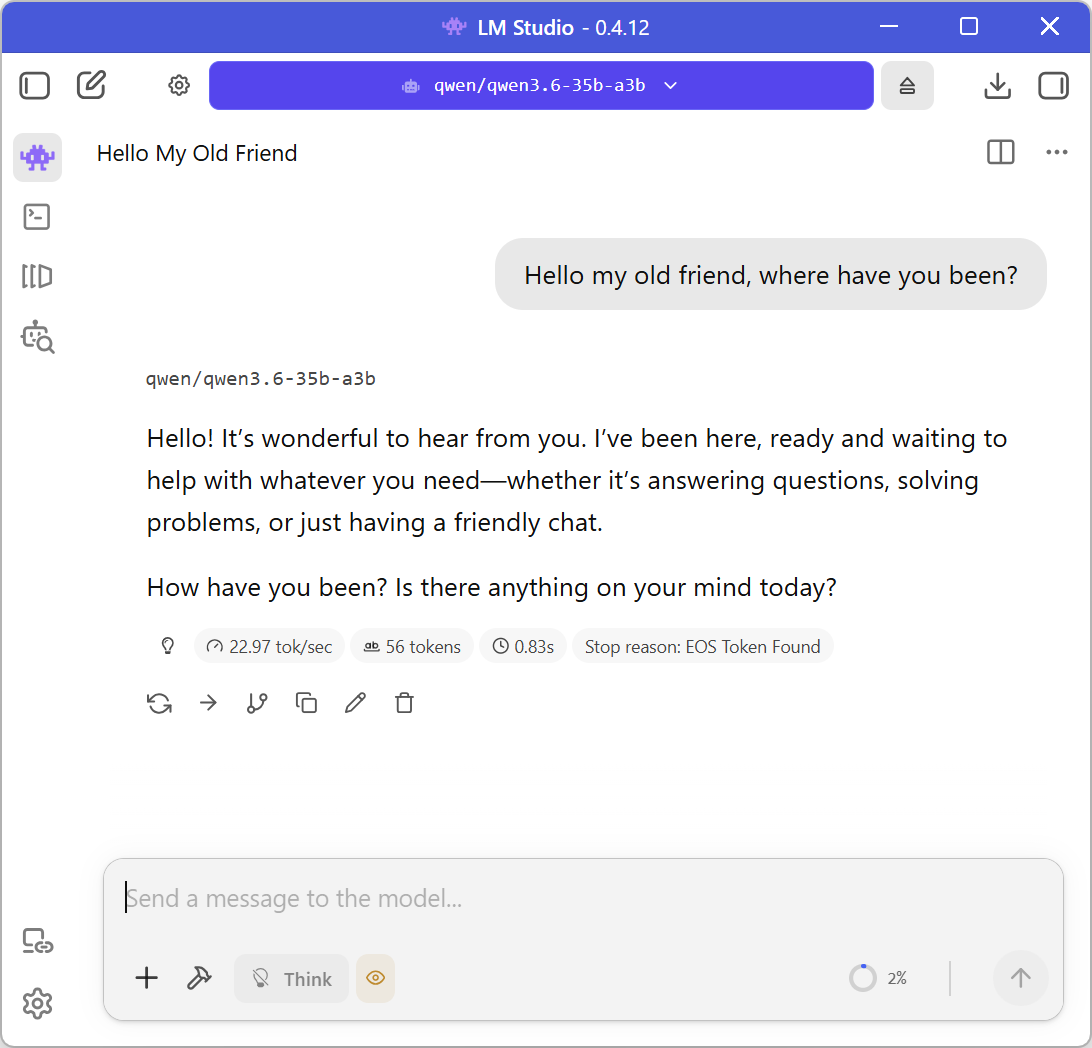
Now I can see the window!